Setup
How to Set Up IPTV on Smart TV
28 May 2026
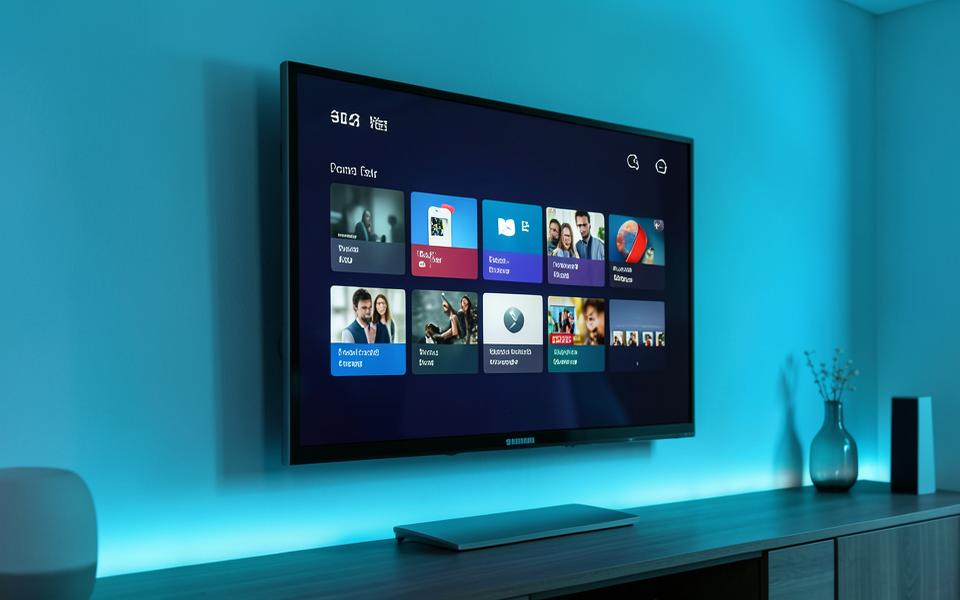
A step-by-step walkthrough for Samsung and LG Smart TVs, from installing the player to loading your first channel.
Samsung and LG televisions both support dedicated IPTV player applications, which makes them one of the easiest ways to watch.
Start by opening the App Store or Content Store on your television and installing a player such as IPTV Smarters Pro or IBO Player.
The first time you open the app it displays a MAC address. You use that address on the player's activation page, together with the details from your welcome message.
After a restart the channel list appears. If anything looks incomplete, reload the app once more and it will sync fully.